
Support & FAQ
This page collects the most common HCAI setup and usage issues. When something fails, first check the key, model name, token group, network, and balance.
Contact Support


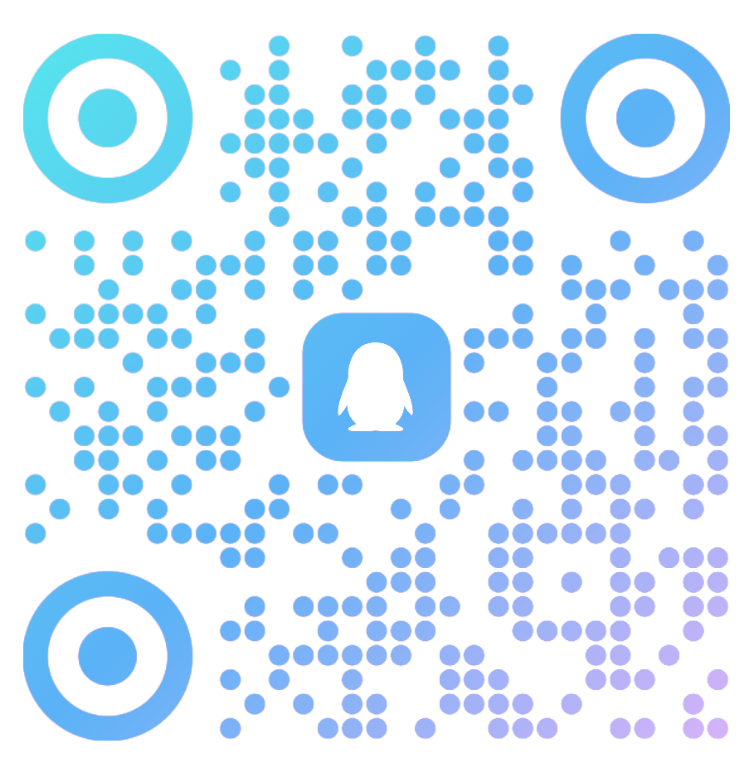
Click a button to open the link directly, or scan and long-press the QR codes.
When contacting support, include the tool name, model name, error message, request time, and a masked Key if relevant.
Account and Key
What should I do if my Key is invalid or authentication fails?
- Check for extra spaces, line breaks, or hidden characters.
- Confirm the Key is not expired, disabled, or deleted.
- Verify the Header, environment variable, or config parameter name.
- Make sure the tool is using the matching dedicated token group.
- If you create a new Key, update it in the tool configuration too.
How do I view balance and usage records?
Sign in to the console to view current balance, recharge history, usage details, and billing records. If calls suddenly fail, check balance and quota first.
Site Access
Why does the site show a blank page?
Blank pages are often caused by ad blockers, script blockers, or stale browser cache.
- Temporarily disable AdBlock, uBlock Origin, AdGuard, or similar extensions.
- Add
ai.hctopup.comto the allowlist. - Refresh the page.
- Hard refresh with
Ctrl + Shift + Ron Windows orCmd + Shift + Ron macOS. - Try an extension-free browser window.
Environment and Installation
What if my Node.js version is too old?
Claude Code and Codex CLI require Node.js 18+.
- Windows: reinstall the latest Node.js LTS.
- macOS: run
brew upgrade nodeor use the official installer. - Linux: install a newer version with nvm or NodeSource.
Why do environment variables not take effect?
- Windows: reopen the terminal or restart the computer.
- macOS/Linux: run
source ~/.bashrcorsource ~/.zshrc. - Restart the target tool after changing variables.
Tool Usage
Claude Code says connection failed. What should I check?
Check network access, API Key, ANTHROPIC_BASE_URL, balance, and model permissions. If first launch is blocked by onboarding, see the Claude Code Deployment Guide.
Can Codex CLI and Claude Code share the same token?
Avoid mixing token groups. Create the matching group for each tool:
- Claude Code: Claude Code dedicated token group.
- Codex CLI:
codexor the Codex CLI-specific group shown in the platform. - OpenCode: an OpenAI-compatible token group with an available model.
Wrong groups may cause authentication failure, missing permissions, or model-not-found errors.
What if the model does not exist or I have no permission?
Use the model list endpoint with the matching key format to confirm available models: Anthropic-format keys should use the Anthropic request format, and OpenAI-compatible keys should use the OpenAI request format. Configure only full model names returned by the endpoint; do not invent, splice, or rename model IDs.
Billing
How is usage billed?
Billing is based on actual usage. Different models have different rates. Check the console for current rates, balance, and usage details.
What happens when the balance is insufficient?
Calls may pause or fail. Service usually resumes after the recharge is credited.
Are refunds supported?
Contact support for unused balance refund rules. Already consumed usage is normally not refundable.
Technical and Data
Will my code be stored?
No. HCAI forwards requests, handles authentication, and records billing metadata. It does not actively store your code content.
Is enterprise use supported?
Yes. Enterprise users can contact support for plans, larger recharge options, team management, and possible pricing arrangements.
More Help
For startup failures, check the relevant Deployment Guide. For timeouts, authentication errors, or unavailable models, check HCAI API Access. If the issue remains, contact support through the buttons or QR codes above.