
Recharge & Subscription
HCAI uses a third-party recharge interface. Before recharging or subscribing, go to Self-Service Recharge to purchase the corresponding redemption code, then return to the redemption page and enter the code to redeem it.
Redemption Flow
- Open Self-Service Recharge.
- Purchase the redemption code for the balance, package, or subscription you need.
- Return to the redemption page in the HCAI console.
- Enter the redemption code and submit it.
- After successful redemption, your balance, concurrency, or subscription benefits will update according to the page rules.
Redemption Page Example
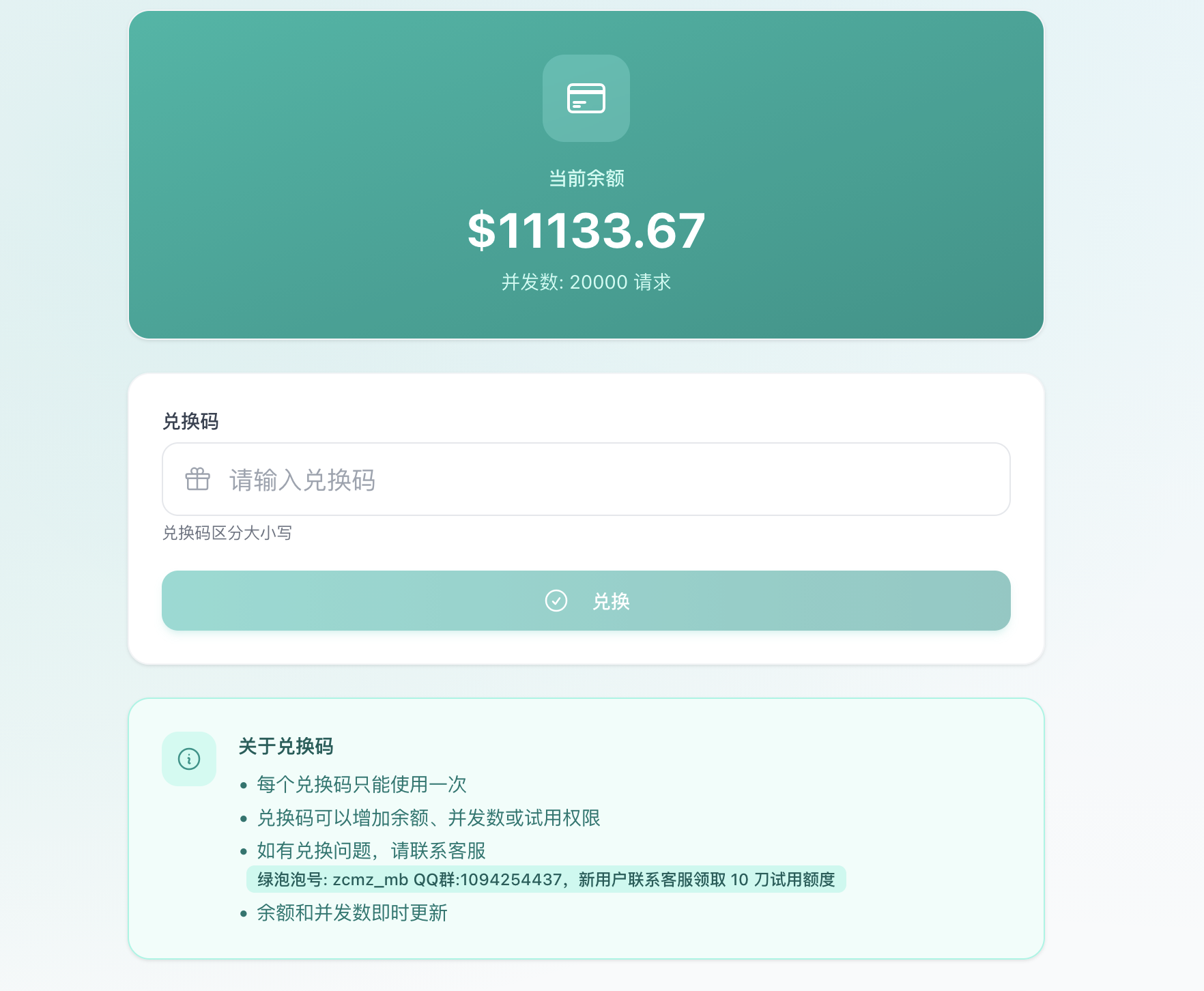
Notes
- Redemption codes are case-sensitive. Copy the full code before redeeming.
- Each redemption code can usually be used only once. Do not submit the same code repeatedly.
- If redemption fails, balance does not update, or the package does not take effect, contact support.
- Service availability, package types, quota rules, and pricing may change at any time based on operating conditions. Always follow the purchase page and redemption page currently shown.
Next Steps
- Register Account - Create your HCAI account and enter the console
- Create Key - Create a usable token for the target tool
- Model Selection - Confirm available models and groups
- Deployment Guide - Install Claude Code, Codex CLI, Codex Desktop, and OpenCode
- HCAI API Access - Configure tools to connect to HCAI