
Register Account
Visit https://ai.hctopup.com to create your HCAI account. You can register with your own account name or use a supported third-party sign-in method.
Registration Steps
- Open https://ai.hctopup.com.
- Click “Sign up”.
- Choose a registration method:
- Register with email or username
- Continue with GitHub
- Continue with Google
Registration Page
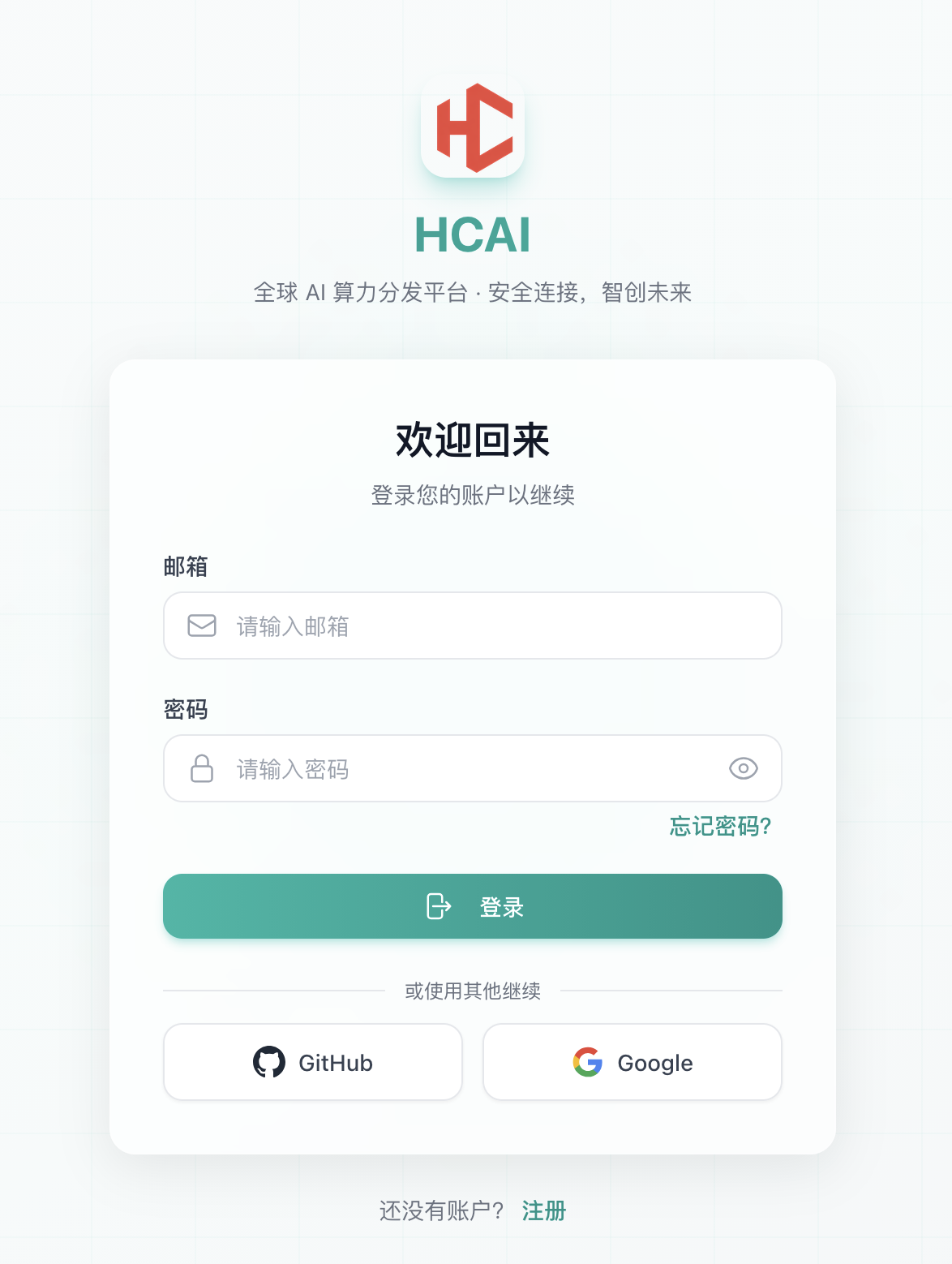
Registration Methods
Email Registration
- Enter your email address or username.
- Set a password.
- Read and agree to the User Agreement and Privacy Policy.
- Follow the page prompts to complete verification and registration.
Quick Registration
The following quick registration methods are supported:
- GitHub
After Registration
After your account is created, you can:
- Create a key
- Configure token parameters
- Start using AI coding tools
FAQ
Not receiving the verification email?
- Check your spam folder.
- Confirm that the email address is correct.
- Wait 1-2 minutes and try again.
- Contact support for help.
Forgot your password?
Click “Forgot password?” on the sign-in page and reset your password with your registered email.
Next Steps
- Create Key - Get your API key
- Key Settings - Configure key parameters